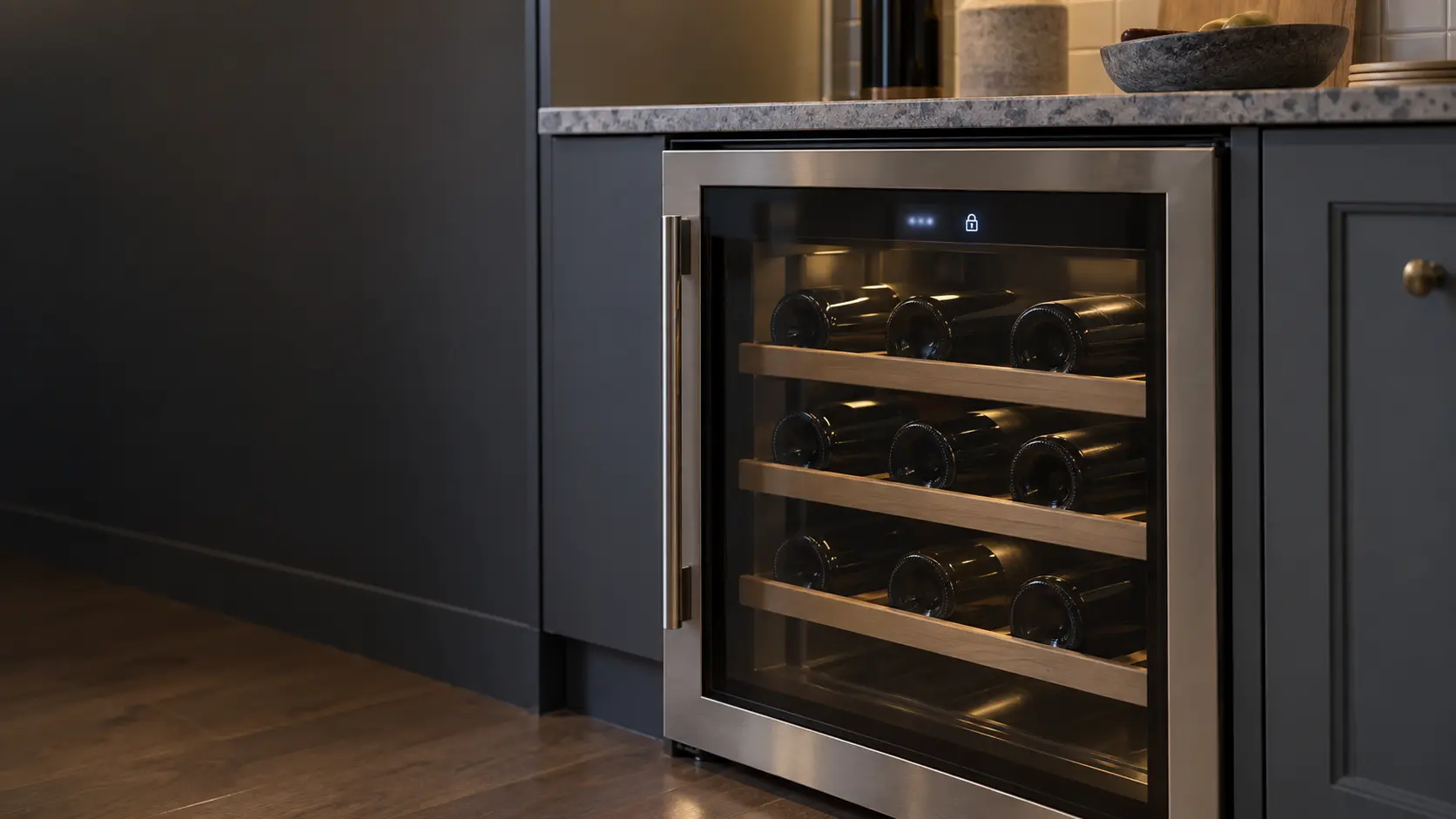
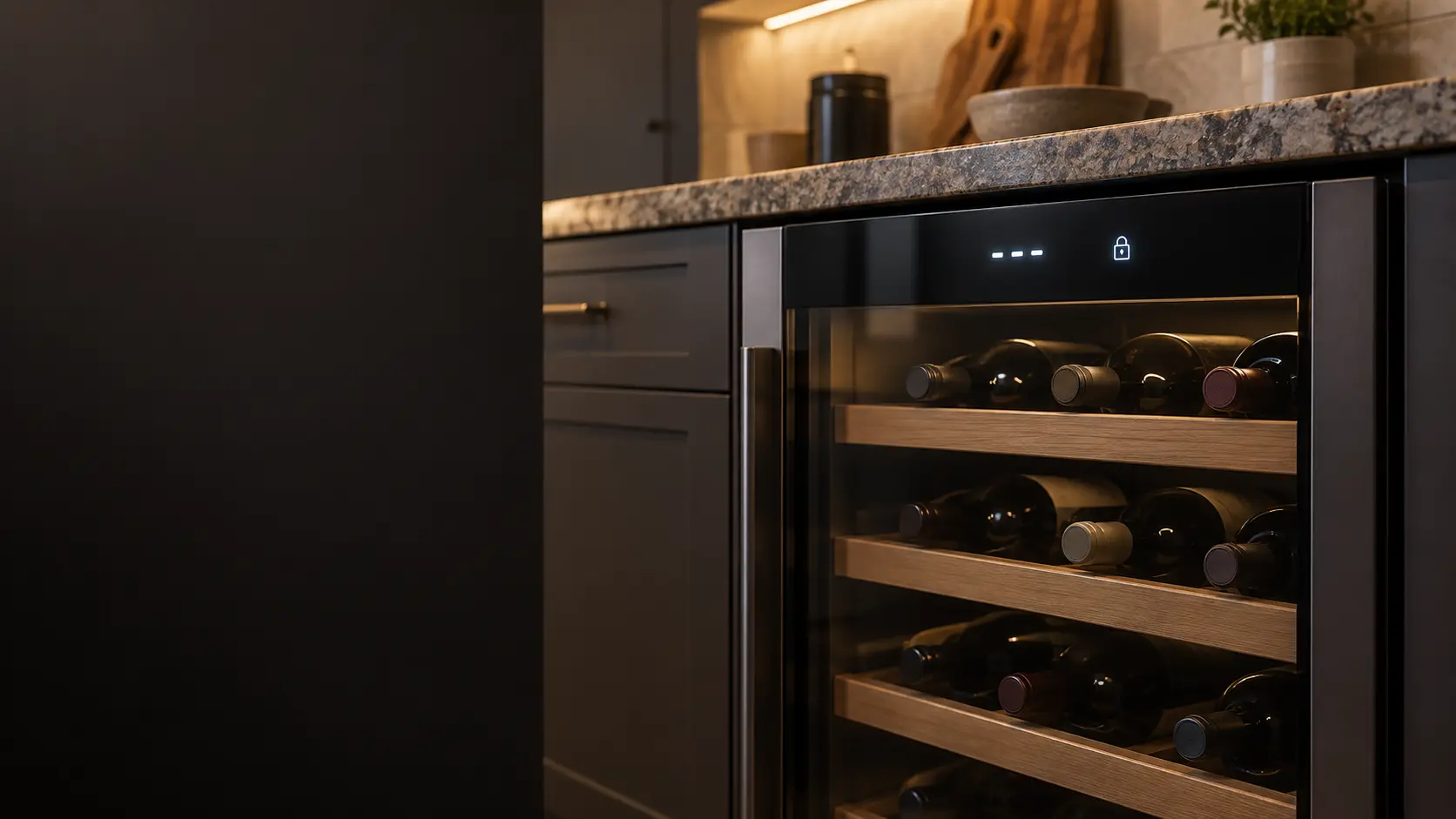

JennAir Lock Mode: every option gone except Cool On, Cool Off and Lock
Lock Mode stops accidental changes and makes the panel easy to wipe.
Mon–Sat, 8am–8pm
- Mode, not a failure
- No repair needed
- Source: JennAir
Book a visit
Three short steps, about a minute.
or call (844) 709-0727
Loading appointment form…
The appointment form couldn’t load. Please try again.
What Lock
actually means.
Lock Mode stops accidental changes and makes the panel easy to wipe. After a short countdown every other display turns off and becomes unavailable, which can look like a failed control.
JennAir wine cooler display · also shown as Lock Mode
What to do when Lock shows on the wine coolerKind of codeMode, not a failure
A setting someone switched on, often by leaning on the touch panel or left over from the showroom floor, rather than a part that wore out: a demo mode that lights the display and the rack lamps while the cooling never starts, a Sabbath setting that turns off the lights and alarms, a child or control lock that ignores every key press, a reminder that the glass door stood open. The cabinet is fine, and its own keys or its manual switch the mode back off.
Usually leads toNo repair
Press and hold LOCK for 3 seconds to turn Lock Mode off.
Shows up asWine Cooler Error Code
A wine cooler error code appears as letters and digits on the display, a flashing temperature, dashes where a number should be or a blinking symbol, sometimes with an alarm tone and sometimes while the cabinet stays perfectly cool.
MakeJennAir
JennAir wine cooler repair for dark displays, uneven zones and cabinets that lose their chill.
SourceJennAir use and care guide W11324867, 24-inch undercounter wine unit
JennAir 24-inch undercounter wine units (use and care guide W11324867).
Before you book,
in this order.
Each step comes from JennAir's own guidance for Lock on its wine coolers. Follow it to the end: the last card says whether this is a visit.
Press and hold LOCK for 3 seconds to turn Lock Mode off.
Check that the zone temperatures and presets return.
If the panel stays blank with the lock off, book a visit.
Cleared?
The display has gone quiet and the cabinet is back at its setting without a new part. Should the code reappear this week, or the reds start feeling warm again, book a visit and mention that it came back.
What not to do
A panel reduced to three options is not a dead display. It is also not Sabbath Mode, where the lights and sounds go off as well.
What you may
notice with it.
The wine cooler problems Lock tends to arrive with. Answer these at the wine cooler before anyone is booked.
All problems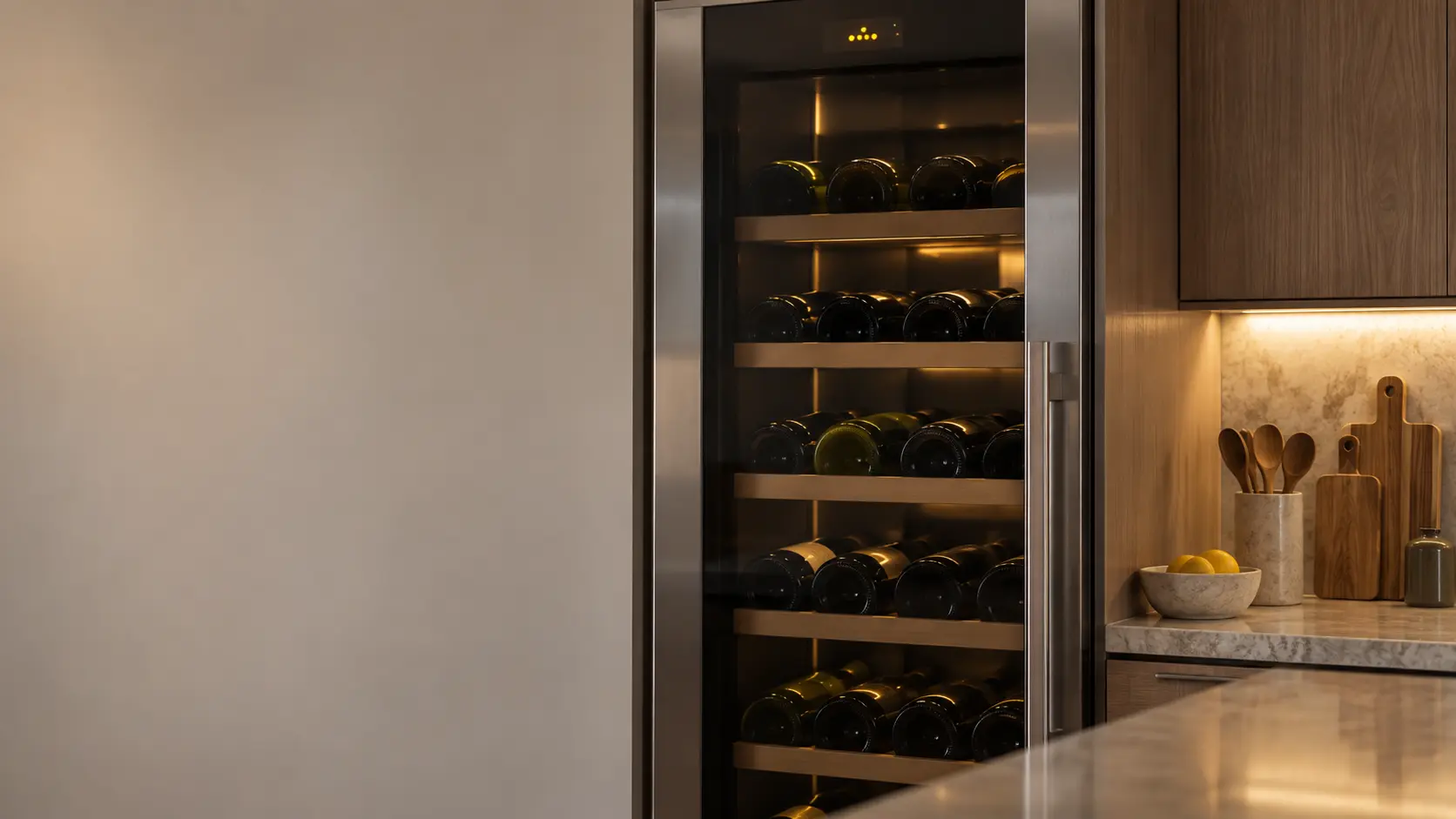
Wine Cooler Error Code
7 causes, cheapest first
No repair indicated
Nothing to repair.
A setting someone switched on, often by leaning on the touch panel or left over from the showroom floor, rather than a part that wore out: a demo mode that lights the display and the rack lamps while the cooling never starts, a Sabbath setting that turns off the lights and alarms, a child or control lock that ignores every key press, a reminder that the glass door stood open. The cabinet is fine, and its own keys or its manual switch the mode back off.
JennAir
wine coolers.
JennAir wine cooler repair for dark displays, uneven zones and cabinets that lose their chill.
JennAir wine cooler repairMore JennAir codes
Mode, not a failure on other makes
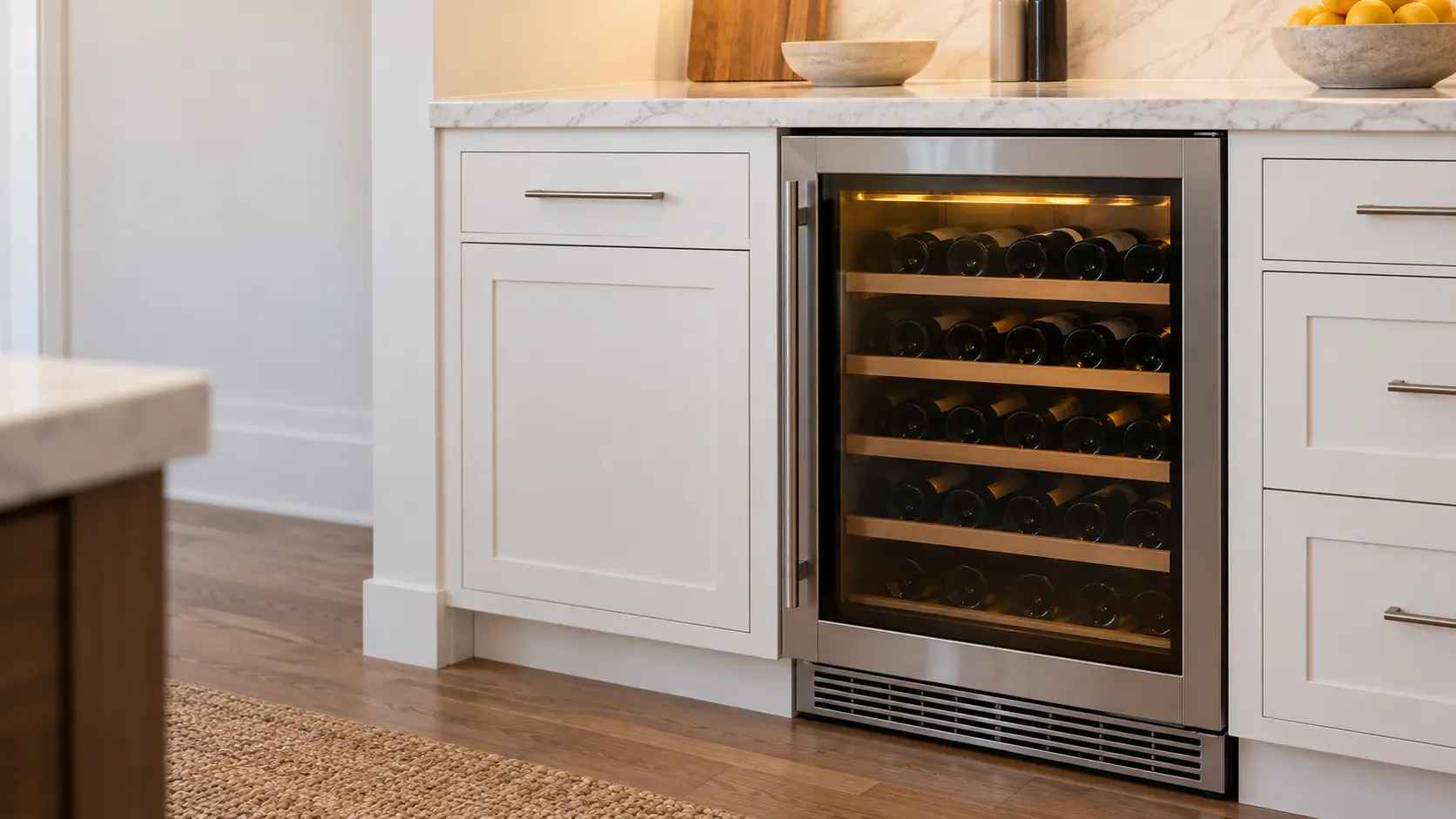
Undercounter wine cooler
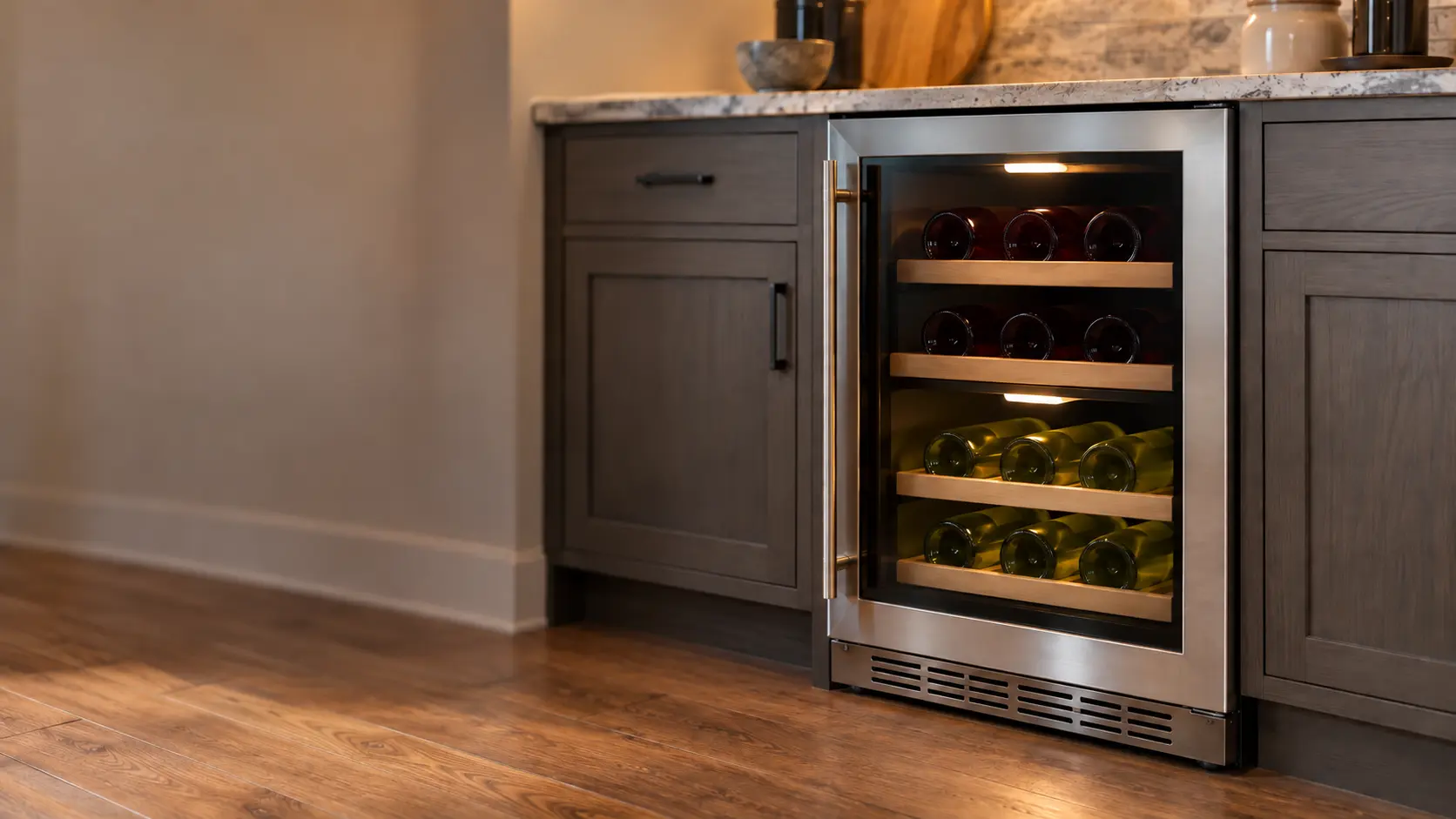
A wine cooler about the height of a base cabinet, built in under the counter of a kitchen, a bar or a butler's pantry, with a glass door, sliding racks and a vented toe grille at the floor.
Wine column
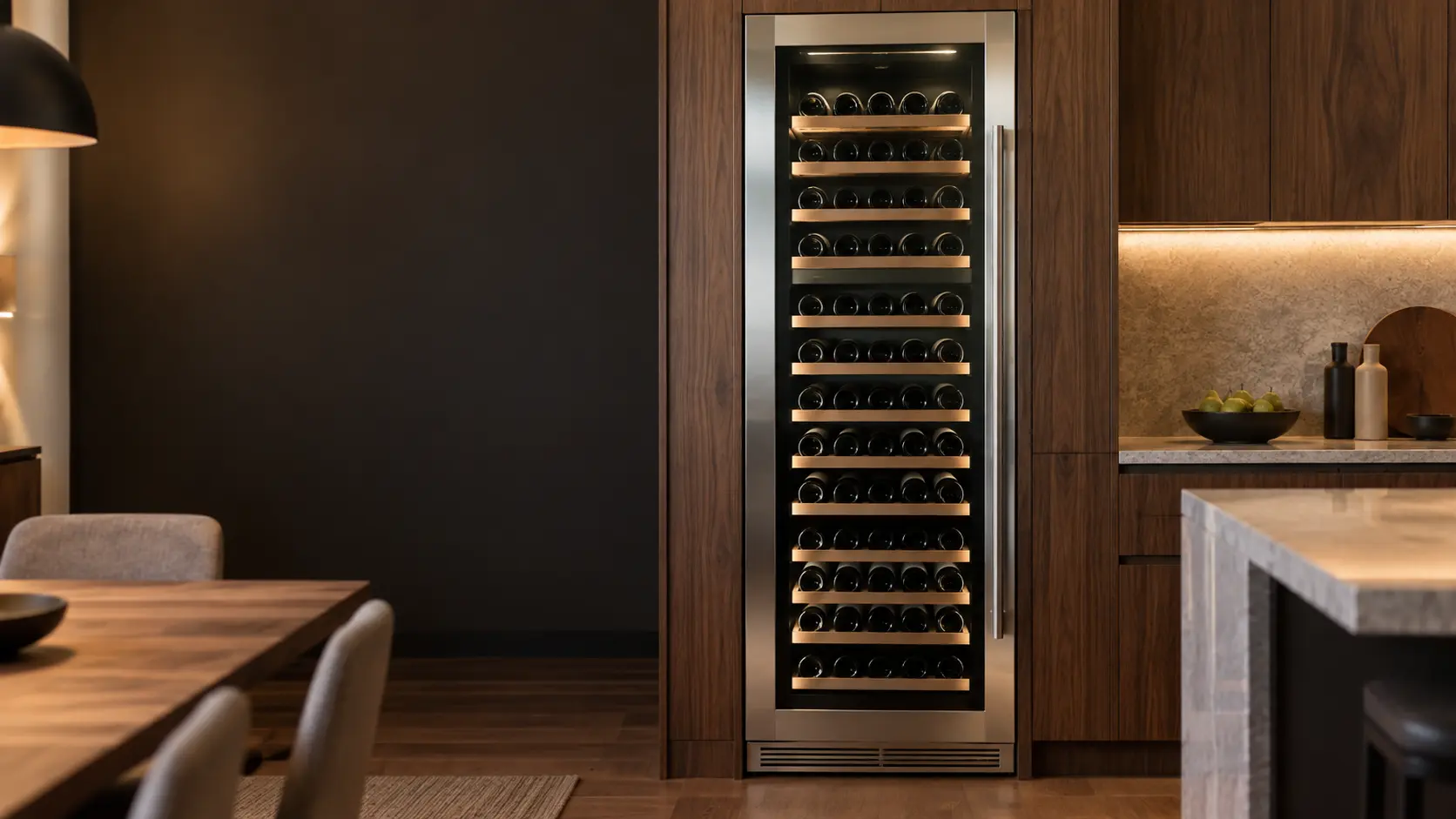
A full-height built-in wine cabinet, 18 to 30 inches wide, set flush into tall cabinetry or paired with a matching column, with a glass or panel door and dozens to well over a hundred bottles inside.
Dual-zone wine cooler
A wine cooler with two separately set compartments, upper and lower or side by side, so reds and whites or a storage zone and a serving zone each keep their own temperature.
In JennAir's own words
To activate Lock Mode, press and hold LOCK for 3 seconds.
Every code on this site is taken from the manufacturer's documentation, never from a forum or a parts listing. JennAir 24-inch undercounter wine units (use and care guide W11324867).
JennAir Lock wine cooler repair,
where we come out.
The same visit in every metro below: the code, the model number, and a diagnosis before any part is ordered.
All service areasTampa BayFL · 31 areas
Miami / South FloridaFL · 47 areas
New York MetroNY · 75 areas
HoustonTX · 36 areas
ChicagoIL · 50 areas
Los AngelesCA · 95 areas
San DiegoCA · 31 areas

Questions
about Lock.
Can I clear Lock myself?
Why did most of the display disappear on my JennAir wine cooler?
Does Lock Mode stop my JennAir wine cooler from cooling?
Why can I still press Cool Off with the JennAir panel locked?
Back to your everyday
Still showing Lock?
When you book, copy the code or the blink pattern as the display shows it, add the whole model number, and say whether the bottles still feel cool — a code gives the technician a head start.